How Long Should a B-Roll Clip Be?
Quick answer
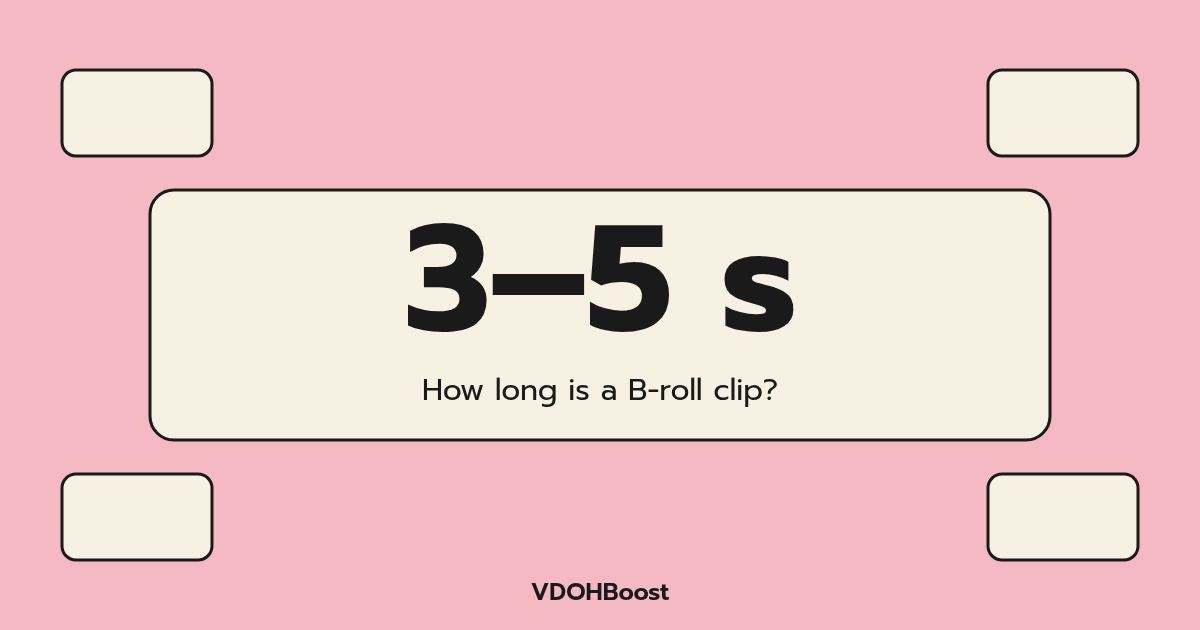
In short-form social video, most B-roll shots stay on screen for about 3–5 seconds. Fast, energetic edits can go shorter; calm, detailed shots can run longer. When you save B-roll, keep a little extra on both ends, around 5–7 seconds, so you can trim to the beat of your voiceover.
Instagram, Facebook & TikTok · Only use clips you own or have permission to use.
Key takeaways
- About 3–5 seconds on screen is a common default for short-form.
- Save about 5–7 seconds so you have room to trim.
- Match length to the line it illustrates.
- Break long actions into several short angles.
- Fast pacing suits energetic content; slower suits detail.
On this page
Why 3–5 seconds works
A viewer needs a moment to understand a new image: roughly a second or two for simple shots. After that, a short cutaway has done its job. Holding much longer can slow the pace while your voiceover moves on.
These are rules of thumb, not standards. Watch your own retention and adjust.
When to go shorter
- Quick lists ("three things you need").
- Energetic, music-led edits.
- Montage openings that show the result fast.
When to go longer
- Detailed process shots where the viewer needs to see a technique.
- Calm, mood-led content like travel or cooking.
- A shot that proves a claim and needs time to land.
If a long action feels slow, cut it into wide, medium and close-up angles instead of one long take.
Match length to the line
The cutaway should last about as long as the line it illustrates. Cut on the words, not on a fixed timer.
How much to save
Save extra on both ends of the action. A 3-second moment saved as 5–7 seconds gives you freedom to trim to your voiceover and to add transitions.
Common mistakes
- Every cutaway the same length.
- Cutting mid-action so the movement looks broken.
- Saving only the exact moment with no handles.
- Long cutaways that drown out your face.
How VDOHBoost fits
On the READY TO TRIM screen in VDOHBoost, you choose the exact segment you want from clips you own on Instagram, Facebook or TikTok, so it's easy to save short cutaways with a little room to trim.
In VDOHBoost the flow is Paste → Trim → Done:
- Paste a link to your own clip
- Tick the rights checkbox
- Press "Get clip" and wait for loading
- Trim the clip on the "READY TO TRIM" screen
- Choose a crop: Original, 9:16, 1:1 or 16:9
- Export, then "Download MP4"
VDOHBoost exports up to 720p.
Trim a segment from your own clip →
FAQ
How long should B-roll be in a Reel?
Most cutaways in Reels last about 3–5 seconds. Go shorter for fast, energetic edits and longer for detailed or calm shots. Let each cutaway last about as long as the line it illustrates.
How many seconds of B-roll should I film?
Film more than you need: start recording before the action and keep rolling after it. Saving about 5–7 seconds per moment gives room to trim.
Is there a standard B-roll length?
No official standard exists. 3–5 seconds is a common rule of thumb for short-form video, but your pacing, topic and audience should guide it.
What if my B-roll action takes a long time?
Break it into several shorter angles, such as wide, medium and close-up, or speed it up, rather than holding one long shot.
Should all cutaways be the same length?
No. Varying length with the rhythm of your voice and music feels more natural than a fixed timer.
Summary
Aim for about 3–5 seconds on screen, save 5–7 seconds for trimming, and let each cutaway match the line it illustrates.
Ready to crop your own clip?
Paste a link to an Instagram, Facebook or TikTok clip you own or have permission to use.
Paste a link to your clip